
Introduction
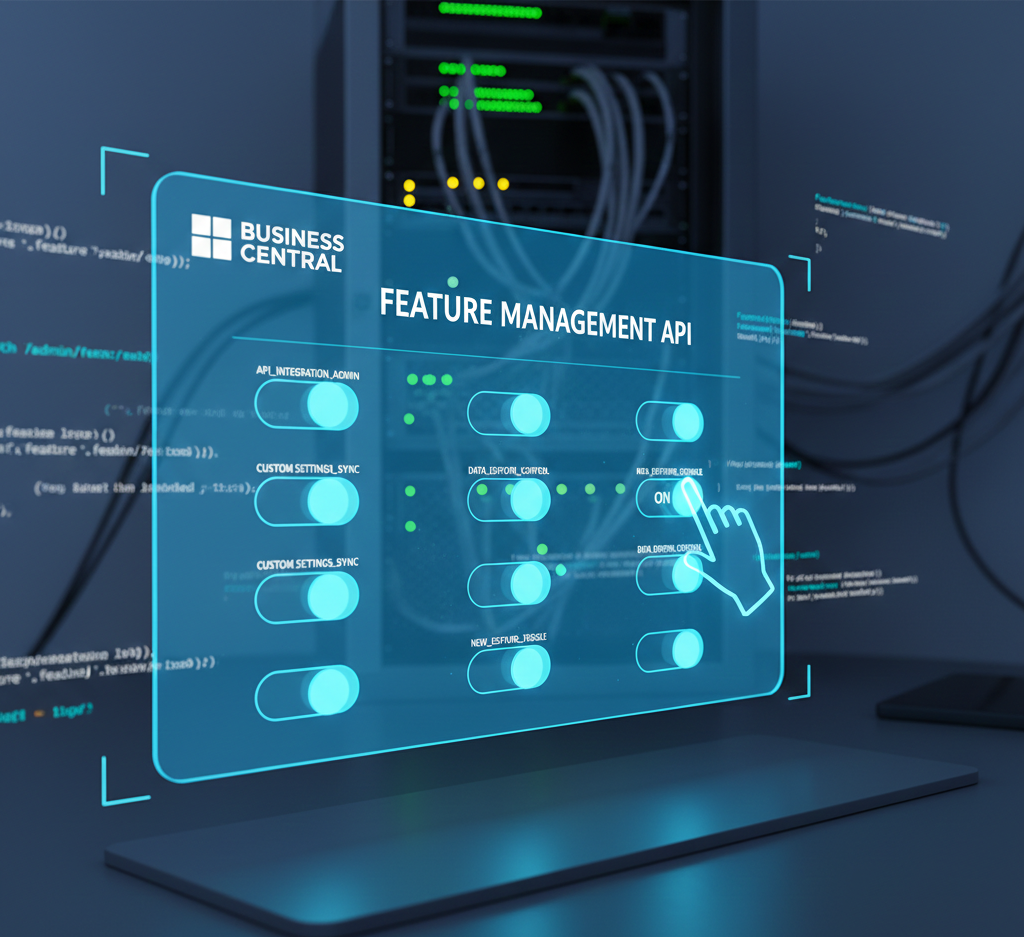
Feature Management in Business Central has become one of the most important mechanisms for controlling how new capabilities are introduced. With Business Central 2025 Release Wave 2, Microsoft took an important step forward by making Feature Management controllable through Automation APIs.
This is more than a technical addition. It signals a shift in how Microsoft expects partners and customers to manage change — not manually, not environment by environment, but programmatically and consistently.
While the Feature Management page works well for manual administration, it does not scale in modern scenarios. As soon as you introduce multiple environments, repeated provisioning, or CI/CD pipelines, a fundamental question appears:
How do we ensure that Business Central environments reach a known, predictable state without relying on manual steps?
The answer lies in Automation APIs — and Feature Management is one important part of that automation story.
- Introduction
- Automation APIs: What Problem They Are Designed to Solve
- From Environment Creation to Tenant Hydration
- Creating a Company Programmatically
- Applying Configuration with RapidStart Packages
- Managing Users and Permissions Programmatically
- Handling Tenant Extensions
- Feature Management: The Final Control Layer
- Why Feature Management Automation Matters
- Governance, Not Speed
- Final Thoughts
Automation APIs: What Problem They Are Designed to Solve
Microsoft’s Automation APIs are designed to support tenant hydration: bringing an environment from an empty or newly created state to a desired operational state in a repeatable way.
According to Microsoft documentation, Automation APIs enable scenarios such as:
- Creating companies
- Uploading and applying RapidStart packages
- Managing users and permission sets
- Handling tenant extensions
- Managing Feature Management
In practice, this means that once a tenant or environment exists, Automation APIs allow you to programmatically configure it, instead of relying on manual configuration through the UI.
All Automation APIs are exposed under the:
/api/microsoft/automation/v2.0
namespace and can be called by:
- Delegated administrators
- Business Central users with sufficient permissions
From Environment Creation to Tenant Hydration
A typical automated lifecycle looks like this:
- Create or identify an environment
- Create a company
- Apply configuration (RapidStart)
- Install extensions
- Configure users and permissions
- Activate required features
Feature Management is not an isolated concern — it is one of the final but essential steps in this chain.
Creating a Company Programmatically
Automation APIs allow you to create companies using the automationCompanies endpoint.
POST https://api.businesscentral.dynamics.com/v2.0/{environmentName}/api/microsoft/automation/v2.0/companies({companyId})/automationCompanies
Authorization: Bearer {token}
Content-Type: application/json

{
  "name": "CRONUS",
  "displayName": "CRONUS",
  "businessProfileId": ""
}
Important considerations:
- The company is created but not initialized
- Additional steps (such as RapidStart) are required to hydrate it
This reinforces an important concept: creation and configuration are separate responsibilities.
Applying Configuration with RapidStart Packages
RapidStart packages can be fully automated using Automation APIs.
Create a configuration package
POST https://api.businesscentral.dynamics.com/v2.0/{environmentName}/api/microsoft/automation/v2.0/companies({companyId})/configurationPackages
Authorization: Bearer {token}
Content-Type: application/json

{
  "code": "SAMPLE",
  "packageName": "SAMPLE"
}
Upload the RapidStart file
PATCH https://api.businesscentral.dynamics.com/v2.0/{environmentName}/api/microsoft/automation/v2.0/companies({companyId})/configurationPackages({packageId})/file('SAMPLE')/content
Authorization: Bearer {token}
Content-Type: application/octet-stream
If-Match: *
Import and apply the package
POST https://api.businesscentral.dynamics.com/v2.0/{environmentName}/api/microsoft/automation/v2.0/companies({companyId})/configurationPackages({packageId})/Microsoft.NAV.import
POST https://api.businesscentral.dynamics.com/v2.0/{environmentName}/api/microsoft/automation/v2.0/companies({companyId})/configurationPackages({packageId})/Microsoft.NAV.apply
At this point, the company has structure and data — but it may still not behave as expected until features are activated.
Managing Users and Permissions Programmatically
Automation APIs also allow full user and permission setup.
Modify user properties
PATCH https://api.businesscentral.dynamics.com/v2.0/{environmentName}/api/microsoft/automation/v2.0/companies({companyId})/users({userSecurityId})
Content-Type: application/json
If-Match: *

{
  "state": "Enabled",
  "expiryDate": "2035-01-01T21:03:53.444Z"
}
Assign permission sets
POST https://api.businesscentral.dynamics.com/v2.0/{environmentName}/api/microsoft/automation/v2.0/companies({companyId})/users({userSecurityId})/userPermissions
Authorization: Bearer {token}

{
  "roleId": "SECURITY"
}
These steps further reinforce the idea that environment setup is code-driven, not UI-driven.
Handling Tenant Extensions
Automation APIs support both:
- Installing published add-on extensions
- Uploading and installing per-tenant extensions (SaaS only)
Install a published extension
POST https://api.businesscentral.dynamics.com/v2.0/{environmentName}/api/microsoft/automation/v2.0/companies({companyId})/extensions({packageId})/Microsoft.NAV.install
Authorization: Bearer {token}
Upload and install a per-tenant extension
POST https://api.businesscentral.dynamics.com/v2.0/{environmentName}/api/microsoft/automation/v2.0/companies({companyId})/extensionUpload
Authorization: Bearer {token}
Content-Type: application/json

{
  "schedule": "Current version",
  "schemaSyncMode": "Add"
}
Once uploaded, installation is triggered using:
POST https://api.businesscentral.dynamics.com/v2.0/{environmentName}/api/microsoft/automation/v2.0/companies({companyId})/extensionUpload({extensionUploadId})/Microsoft.NAV.upload
Feature Management: The Final Control Layer
After companies, data, users, and extensions are in place, Feature Management determines system behavior.
Automation APIs expose Feature Management explicitly.
Retrieve available features
GET https://api.businesscentral.dynamics.com/v2.0/{environmentName}/api/microsoft/automation/v2.0/companies({companyId})/features
Authorization: Bearer {token}
This returns:
- Feature identifiers
- Current state
- Scheduling information
Activate a feature
POST https://api.businesscentral.dynamics.com/v2.0/{environmentName}/api/microsoft/automation/v2.0/companies({companyId})/features({featureId})/Microsoft.NAV.activate
Authorization: Bearer {token}

{
  "updateInBackground": false,
  "startDateTime": "2025-07-08T16:00:00Z"
}
Deactivate a feature
POST https://api.businesscentral.dynamics.com/v2.0/{environmentName}/api/microsoft/automation/v2.0/companies({companyId})/features({featureId})/Microsoft.NAV.deactivate
Authorization: Bearer {token}
Feature state changes can always be verified using GET features.
Why Feature Management Automation Matters
Without automation:
- Feature states drift across environments
- Behavior differs between sandbox and production
- Troubleshooting becomes inconsistent
- Manual governance becomes error-prone
With automation:
- Feature states become explicit configuration
- Environments are predictable
- Rollouts are intentional
- Governance is enforceable
Feature Management effectively becomes a feature flag system, aligned with modern SaaS practices.
Governance, Not Speed
Automating Feature Management is not about enabling everything faster.
It is about:
- Controlled rollout
- Clear ownership
- Reduced risk
- Repeatability
In mature Business Central implementations, Feature Management belongs in the same category as:
- Permission sets
- Extensions
- Environment configuration
Final Thoughts
Automation APIs define how Business Central environments are built.
Feature Management defines how they behave.
Together, they enable controlled innovation instead of accidental change.
As Business Central continues to evolve, automation is no longer optional — it is the foundation for stable, scalable, and governable solutions.